# Execute transactions onchain
This is the final step. With the market configured, parameters verified, and user experience tested, the changes are ready to be pushed to the live blockchain.
### The Timelock Lifecycle
Gearbox governance enforces a **24-hour Timelock** on all critical changes. This security feature provides users time to exit if they disagree with a parameter change.
Deployment consists of two distinct actions:
1. **Queue (Propose):** Submit the transaction to the Timelock contract. The 24-hour countdown begins.
2. **Execute (Apply):** After the countdown ends, submit a second transaction to apply the changes.
{% stepper %}
{% step %}
### Finalize the Proposal
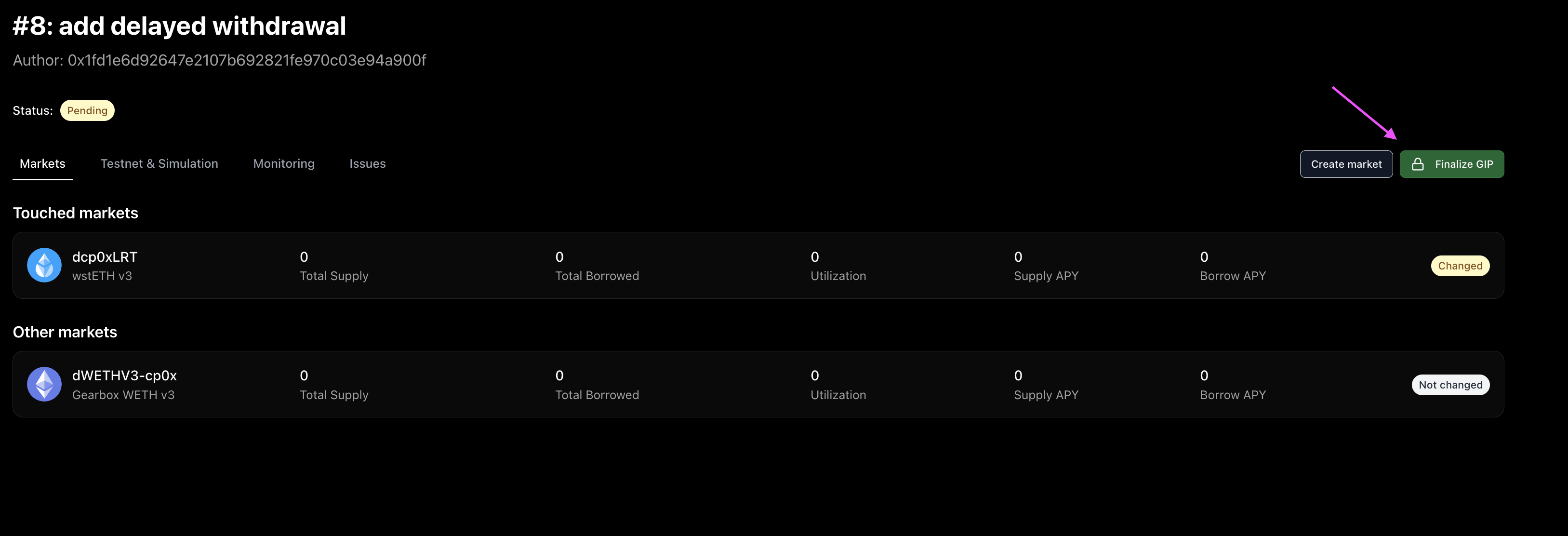
Navigate to the GIP page in the interface.
1. **Finalize:** Click **"Finalize GIP"**. This locks the configuration and prepares the transaction data.
2. **Set Earliest Execution Date:**
* The default timelock is 24 hours.
* **Calculation:** `Current Time + Signing Buffer + 24 Hours`.
* *Recommendation:* Add a buffer (e.g., 2 hours) to allow sufficient time for collecting signatures from multisig signers before the target execution time.
{% hint style="info" %}
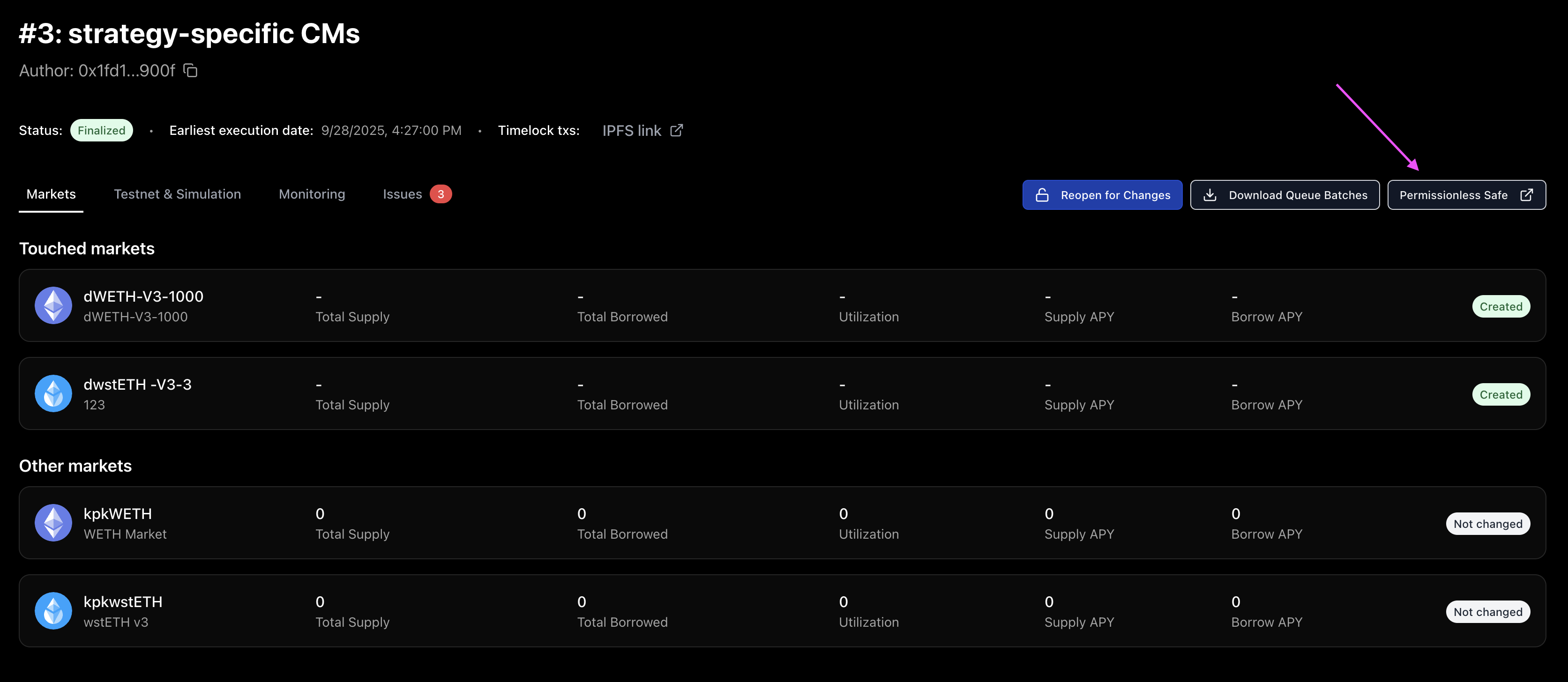
**Troubleshooting:** If last-minute edits are required, click **"Reopen for Changes"**. Re-finalization is required after editing.
{% endhint %}
{% endstep %}
{% step %}
## Queue the Transaction
The interface generates a link to the **Permissionless Safe App**.
1. Click the link to open the Safe App.
2. **Sign & Submit:** Execute the transaction in the Safe. This initiates the onchain timer.
### Video walkthrough
{% embed url="" %}
{% endstep %}
{% step %}
## Execute (After 24 Hours)
Once the timelock expires:
1. Return to the **Permissionless Safe App**.
2. **Sign & Submit:** Execute the final transaction.
### Video walkthrough
{% embed url="" %}
{% endstep %}
{% endstepper %}
Learn more: Transaction lifecycle details
### Deployment Complete
The market is now live on the blockchain.
* **New Pools:** Lenders can deposit assets.
* **New Strategies:** Borrowers can open Credit Accounts.
**Requirement:** Ensure the frontend PRs have been merged so users can view the new market and strategies in the app.
* Review [frontend listing guide](https://docs.gearbox.finance/curator-docs/operational-standards/listing-a-new-asset-in-the-main-app).