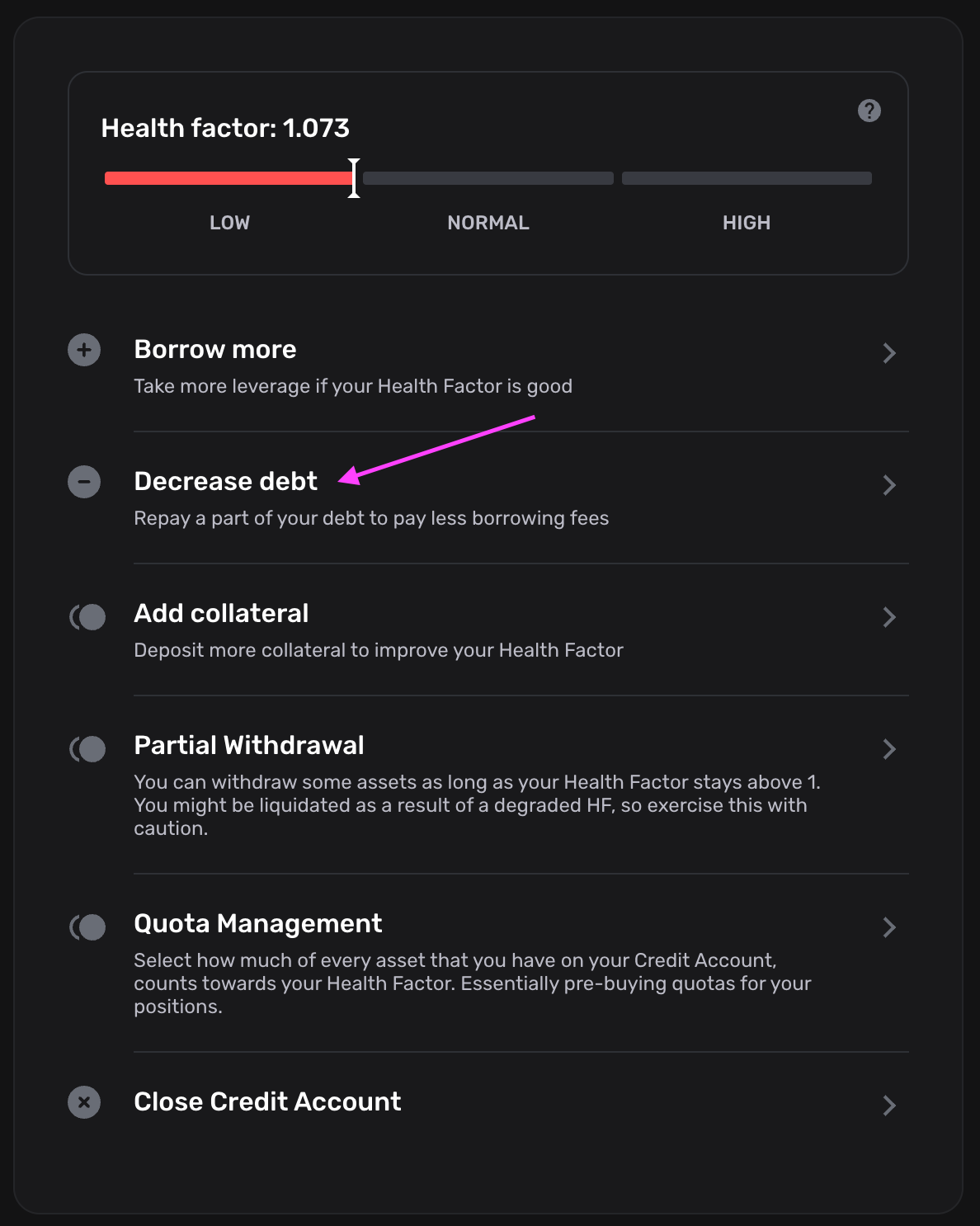
Manual Deleveraging When UI Actions Are Unavailable
If the Close or Swap action is unavailable or fails, you can exit your position manually by following the steps below.
1
Withdraw collateral
Withdrawing collateral sends the token to your wallet, where you can swap it freely using external liquidity sources outside of Gearbox.
Withdrawing collateral reduces your position’s Health Factor. A large withdrawal may push the position into liquidation risk.
Always check the projected Health Factor before each withdrawal.
Withdraw collateral in the UI
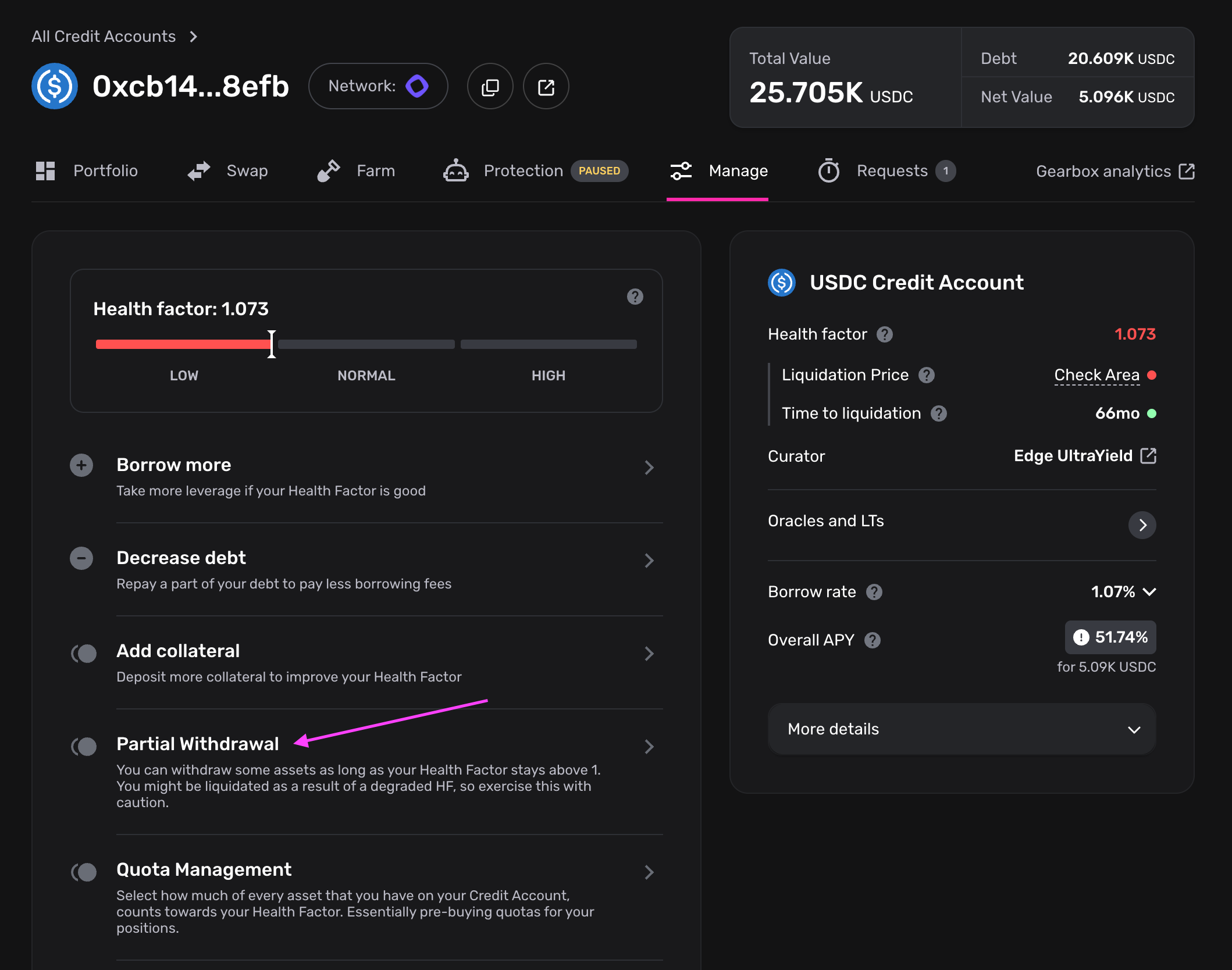
If your current Health Factor does not allow for a safe withdrawal, repay part of your debt first using the Debt Token from your wallet (see Step 3).
2
3