

Verify & Simulate
Before executing any transaction on the mainnet (which costs gas, time and operations), it's better to verify that configuration works as intended.
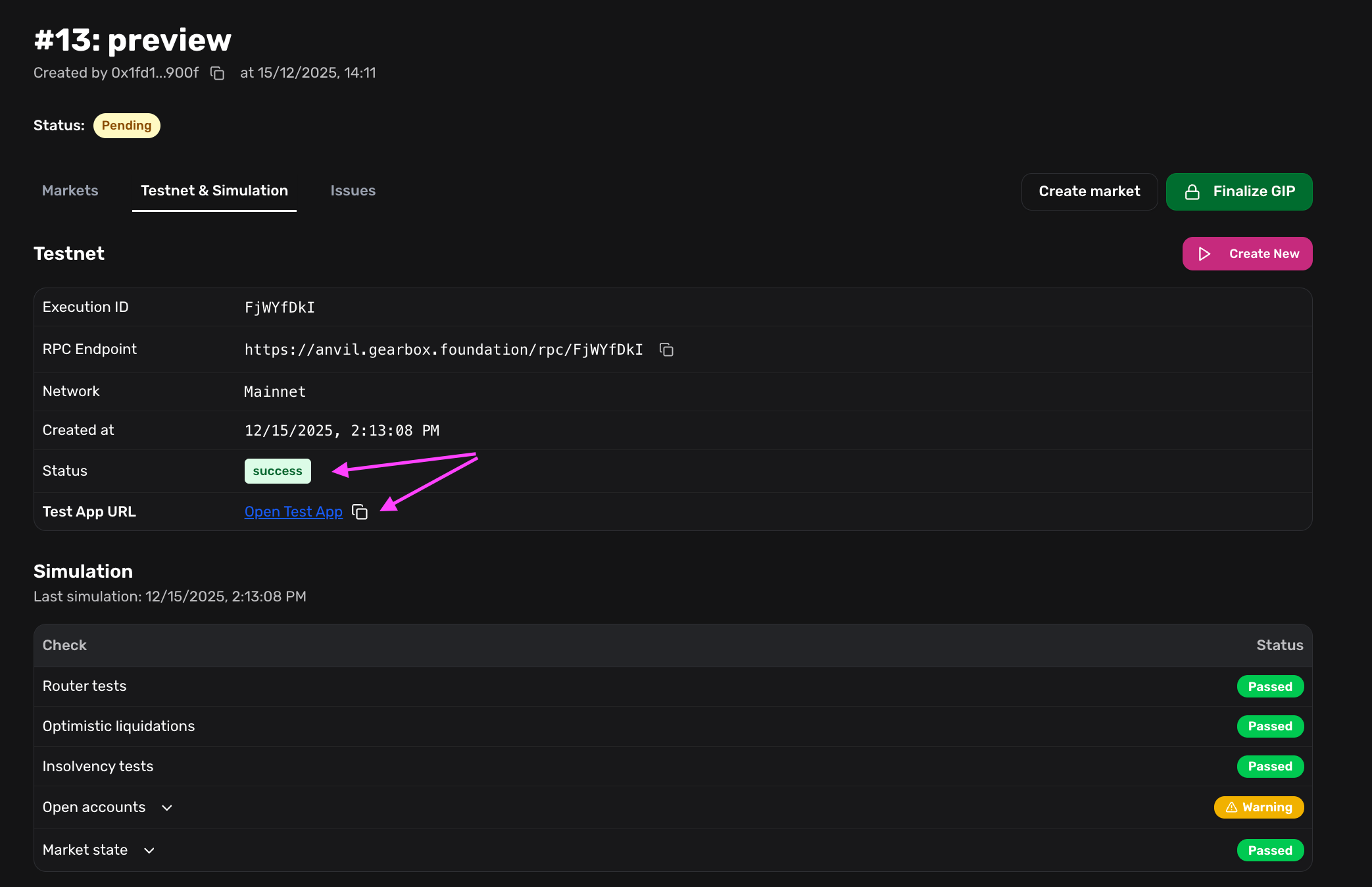
Gearbox provides a Simulation Service (Fork Testing). The system spins up a temporary "Sandbox" copy of the blockchain, applies your changes, and runs a list of tests.
Automated Safety Checks
The simulation runs a suite of automated checks to ensure your parameters are safe and functional. You should review the output of these tests (typically provided in the GIP report or Interface).
The "Staging" App (User Experience Test)
Automated tests check the math, but they don't check the experience. The simulation service generates a temporary Staging Frontend connected to the Sandbox fork.
Action: Open the Staging App link and act as a user.
- Connect Wallet: Use a test wallet (the fork will impersonate your tokens).
- Open a Position: Try to borrow funds using your new strategy.
- Execute a Trade: Try to swap assets or deposit into a vault via the adapter.
- Close/Repay: Ensure you can exit the position.
After the fork has been created and the tests have passed, you can open the App connected to the test blockchain state.
Application test walkthrough
Prepare the Main Interface
Once the contracts are deployed, they exist on the blockchain, but the official Gearbox Interface (app.gearbox.finance) may not know the imporant data: token icon, collateral APY, the list of points earned by borrowers or suppliers.
For the tokens and strategies to be supported by the app, ensure that frontend configuration has all the required data: listing-a-new-asset-in-the-main-app
Next Steps
If the simulations pass and the UI looks correct, you are ready to execute the transactions onchain.